
How to Use HiDream O1 Image
to Generate Stunning AI Images Online
HiDream O1 Image is a free, browser-based AI image generator that turns text prompts and reference photos into photorealistic, anime, or artistic 2K images — no account, no GPU, no software to install. The HiDream O1 Image product page hosts the same tools this guide references. Start from HiDream AI, the free online image generator homepage, anytime.
Before You Start
What Is HiDream O1 Image and How Does It Work?
HiDream O1 Image is 8B parameters — about 7× smaller than most flagship models — and still beats them on both GenEval and HPSv3. Here's how that's possible. If you are new to the brand, start on the HiDream AI homepage, open the HiDream O1 Image feature page when you want the generator, then come back for this walkthrough.
HiDream O1 Image is an open-source, 8-billion-parameter AI image generation model built on a Pixel-level Unified Transformer (UiT). Unlike traditional diffusion models that rely on an external VAE, HiDream O1 Image processes raw pixels, text prompts, and task conditions in one unified space — producing sharper 2K output without the quality loss of latent compression.
Released in May 2026 under the MIT License, HiDream O1 Image supports three core tasks: text-to-image generation, instruction-based image editing, and subject-driven personalization — all from a single model, all right here on this page.
HiDream O1 Image is the core model powering HiDream AI — an open-weight, MIT-licensed image platform you can try in your browser right now.
Tutorial
How to Use HiDream O1 Image: A Step-by-Step Guide for Beginners
No accounts, no installs, no prompt engineering degree required. Follow these four steps and generate your first HiDream O1 Image result in under 60 seconds.
Step 1: Choose Your Generation Mode
Head to the generator below and select what you want to do with HiDream O1 Image: Text to Image (create from a prompt), Image Editing (modify an existing photo), or Character Personalization (keep a subject consistent across scenes). Each mode uses the same underlying HiDream O1 Image model — just pick the one that matches your goal.
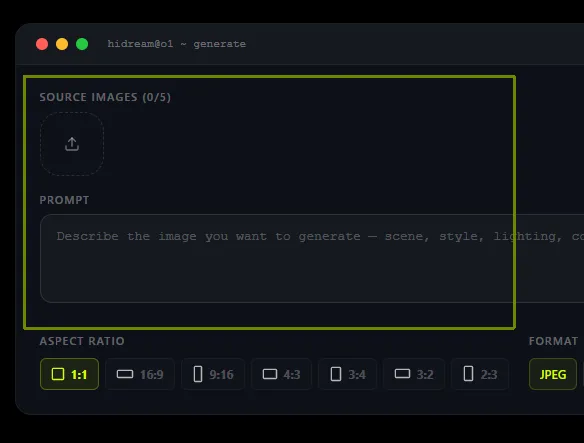
Step 2: Enter Your Text Prompt
Type a description of the image you want HiDream O1 Image to create. Be specific — describe the subject, style, lighting, and mood. For example: "A professional woman in a gray blazer, soft studio lighting, clean white background, photorealistic, 2K." The built-in Reasoning-Driven Prompt Agent will automatically refine your raw input before generation, so even simple prompts produce polished results.
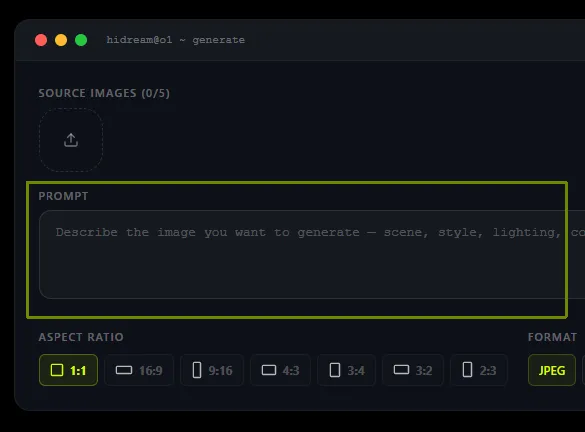
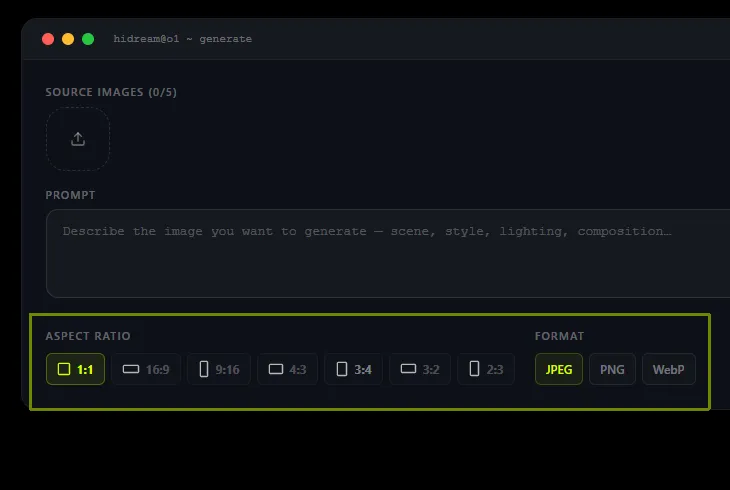
Step 3: Set Resolution and Format
HiDream O1 Image supports output up to 2,048 × 2,048 pixels natively — no AI upscaling involved. Choose your aspect ratio (1:1, 16:9, 9:16, 4:3, or 3:2) and output format (JPEG, PNG, or WebP). For social media, go 9:16. For desktop wallpapers or print, go 1:1 at 2048px.
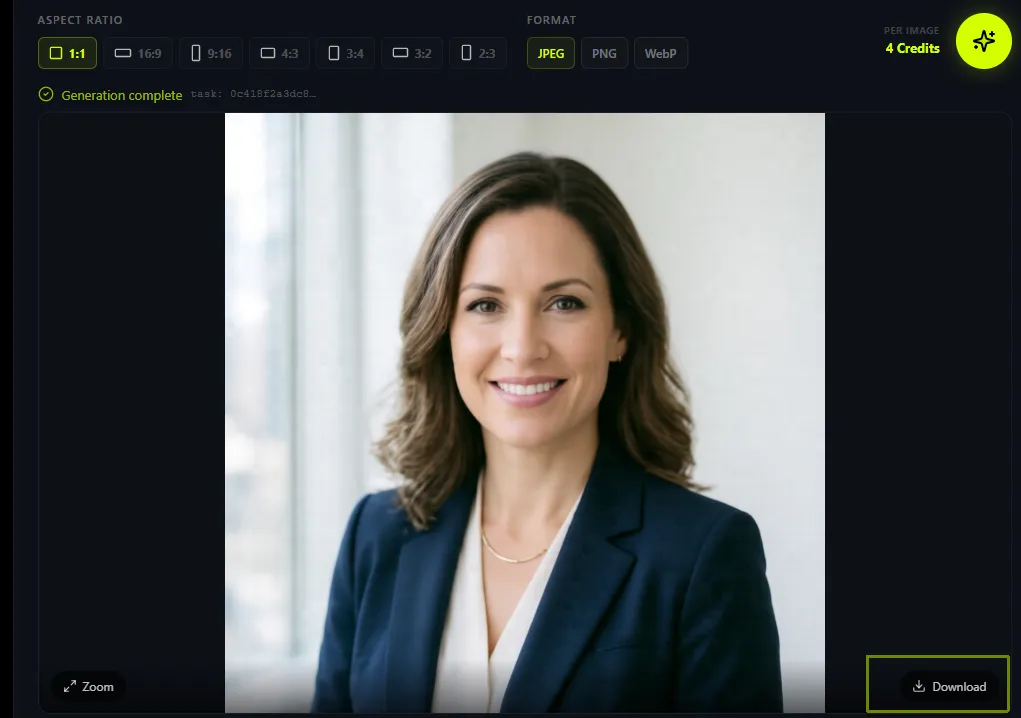
Step 4: Generate and Download
Click Generate. HiDream O1 Image processes your prompt in the cloud — no GPU on your end required. In seconds, your image appears. Download it directly, or click Edit to refine the result using a natural-language instruction like "change the background to a sunset beach."
What You Can Build
HiDream O1 Image Features That Replace an Entire Image Production Pipeline
One model does text-to-image, photo editing, and multilingual poster text. No extra tools, no switching tabs.
Generate Photorealistic Images from Text Prompts
Type a detailed description and HiDream O1 Image renders photorealistic output at native 2K resolution. The pixel-native UiT architecture preserves fine details — skin texture, fabric weave, architectural lines — that competing latent-diffusion models lose to compression. Ideal for product mockups, portrait generation, and editorial visuals.
Edit Any Photo with a Single Sentence
Upload a reference image and describe the change you want — "remove the background," "swap the jacket to red," "add morning fog." HiDream O1 Image executes the edit in one pass while preserving composition, aspect ratio, and subject identity. No Photoshop. No masks. No skill required.
Maintain Character Consistency Across Scenes
Provide 2–5 reference photos of the same person, product, or character, and HiDream O1 Image places them into any new scene you describe — face, hair, outfit, and brand elements preserved frame to frame. Useful if you're running a content series or building a brand look across multiple posts.
Render Legible Text Inside Images
Most AI image models mangle text inside generated images. HiDream O1 Image achieves near-parity scores on English and Mandarin LongText-Bench — accurately rendering signs, poster headlines, UI mockups, and book covers with clean, legible type baked into the pixel output.
Generate in Any Aspect Ratio for Any Platform
HiDream O1 Image natively supports 1:1, 16:9, 9:16, 4:3, 3:2, and 2:3 — covering Instagram, YouTube, Pinterest, portrait print, and commercial advertising formats without cropping or letterboxing.
Run Entirely in the Browser — No GPU, No Download
HiDream O1 Image runs via cloud inference on this site. There is no CUDA setup, no 40GB model download, no local hardware requirement. Free users generate immediately; results arrive in seconds regardless of what device or OS you're on.
Who It's For
Who Uses HiDream O1 Image — and What They Create
From solo creators to product teams, HiDream O1 Image fits into real creative workflows that used to require expensive tools or designers.
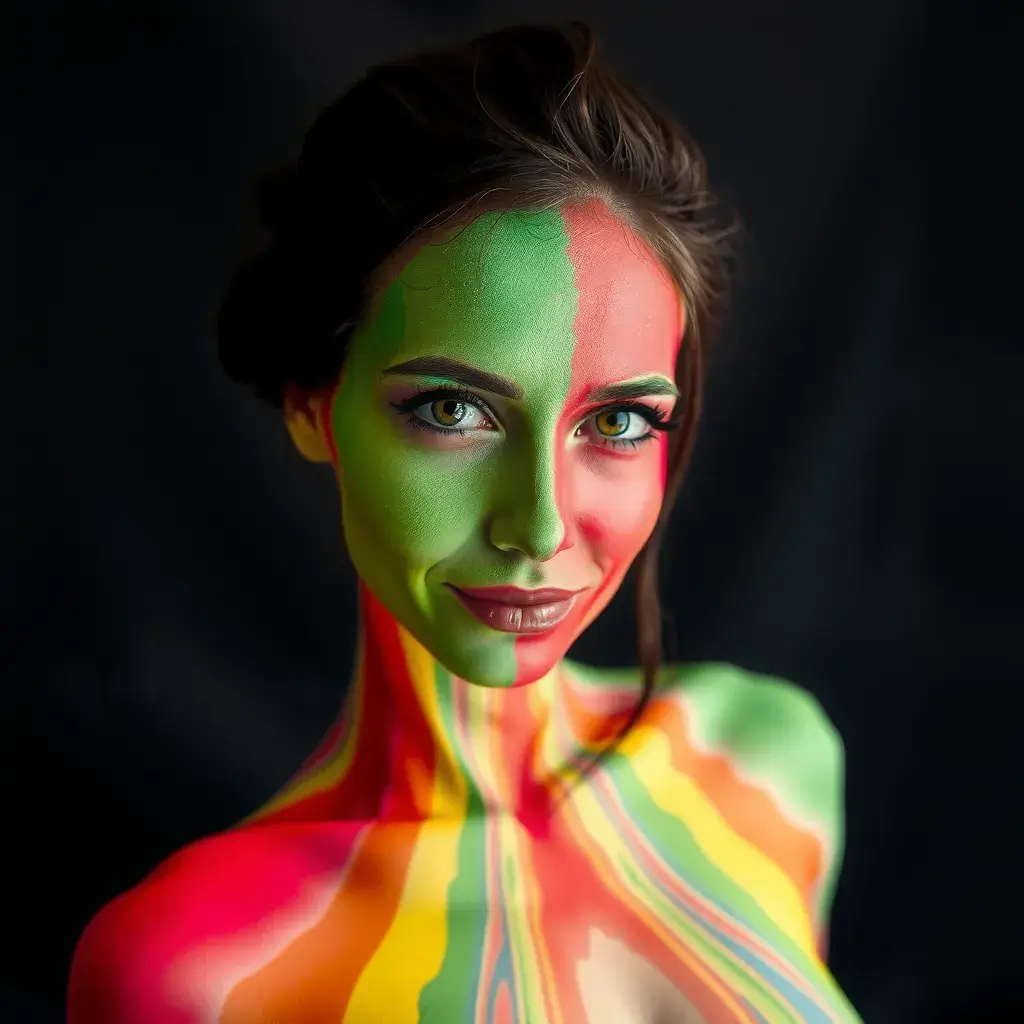
Social Media Content Creators
Generate platform-ready visuals — Instagram posts, Pinterest graphics, YouTube thumbnails — in under 30 seconds. HiDream O1 Image produces on-brand images from a single prompt with no stock photo subscription required.
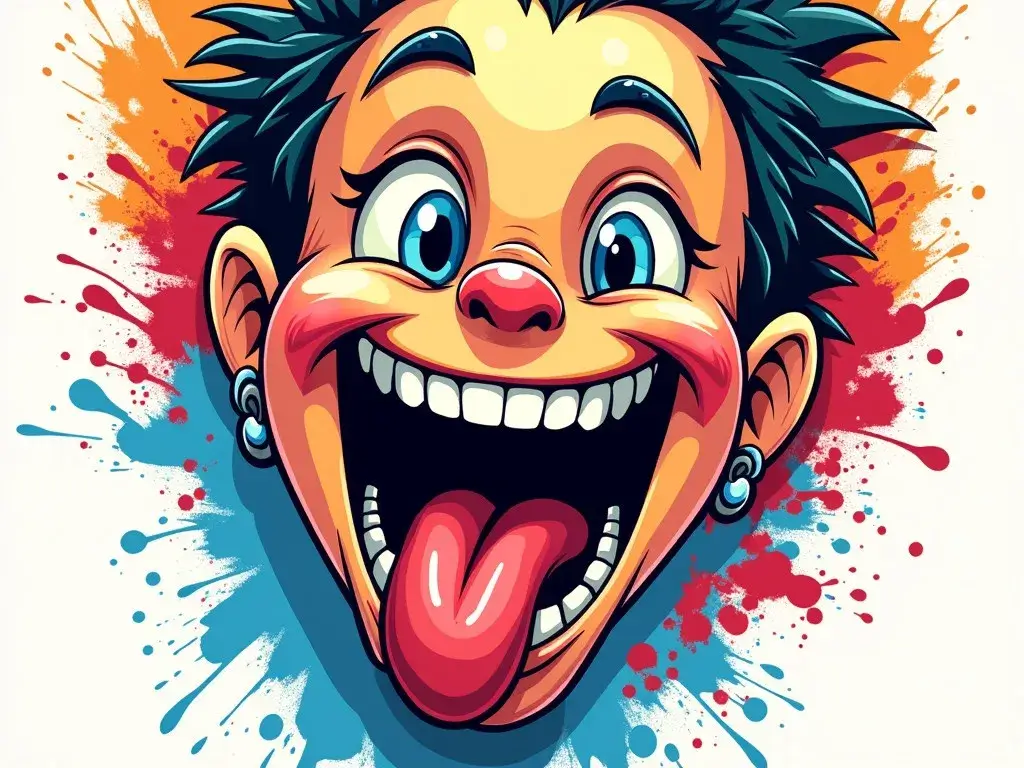
E-Commerce & Product Teams
Create lifestyle product shots, model mockups, and ad creatives at a fraction of photography costs. The built-in editing feature lets you swap backgrounds or restyle scenes without re-shooting — critical for fast-moving product launches.
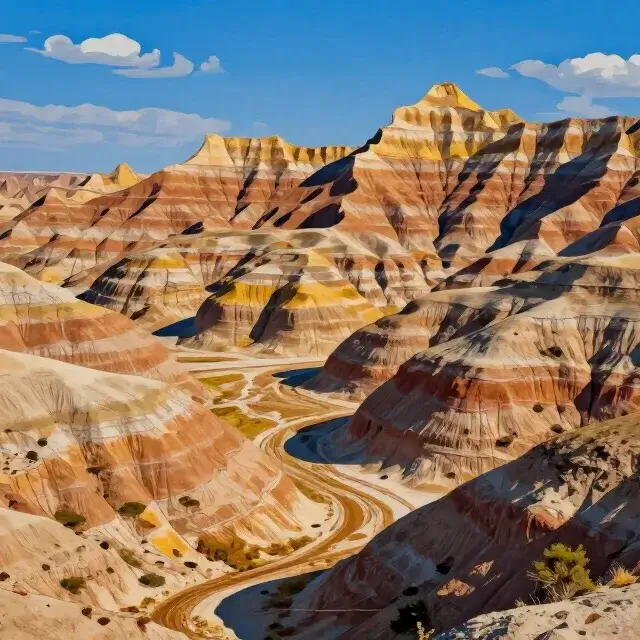
Game Developers & Concept Artists
HiDream O1 Image generates character concept art, environment moodboards, and prop reference sheets fast. Subject-driven personalization keeps characters visually consistent across multiple scene variations.
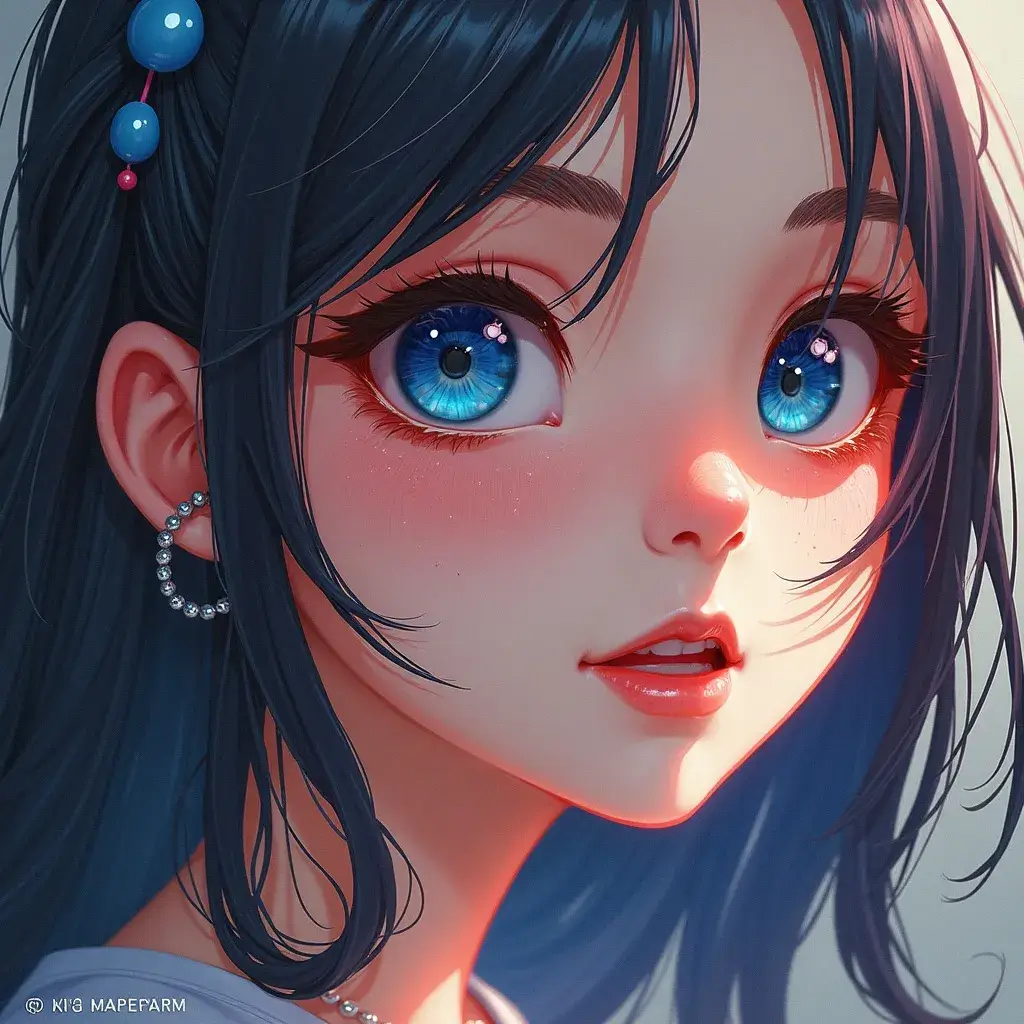
Marketers Creating Ad Creatives at Scale
Run A/B tests on visual concepts without hiring a designer. Generate multiple HiDream O1 Image variants from different prompts, download the best performers, and deploy — all in one session on this page.
Writers & Storytellers Visualizing Scenes
Describe a narrative moment and HiDream O1 Image renders it as a visual. Scene consistency across prompts makes it possible to build out full storyboards and pitch decks without a dedicated illustrator.
How It Stacks Up
HiDream O1 Image vs. DALL-E 3 vs. Midjourney — How They Compare
Before you pay for another AI image subscription, see where HiDream O1 Image actually ranks on the metrics that matter.
| Feature | HiDream O1 Image | DALL-E 3 | Midjourney v6 | FLUX.1 |
|---|---|---|---|---|
| GenEval Score | 0.90 ✅ | ~0.87 | ~0.82 | ~0.88 |
| HPSv3 Score | 10.37 ✅ | ~9.8 | ~10.1 | ~10.0 |
| Native Resolution | 2048×2048 ✅ | 1024×1024 | ~1024px | 1024px |
| Text-in-Image | ✅ Near-parity | Partial | Limited | Partial |
| Image Editing (native) | ✅ Built-in | ✅ (GPT Image) | ❌ No | ❌ No |
| Character Personalization | ✅ Multi-ref | ❌ | ✅ (Style ref) | ❌ |
| Open Source (MIT) | ✅ | ❌ | ❌ | Partial |
| Runs in Browser (free) | ✅ This page | ❌ Requires API | ❌ Subscription | ❌ |
| Parameters | 8B | Undisclosed | Undisclosed | 12B |
HiDream O1 Image scores above DALL-E 3 and GPT Image 2 on both GenEval and HPSv3 — with an 8B model that runs free in your browser right now.
Looking for a deeper performance breakdown? Our HiDream-O1-Image review 2026 benchmarks it against Midjourney, DALL-E 3, and Stable Diffusion.
Pro Tips
Best Prompts for HiDream O1 Image: Tips and Ready-to-Use Examples
The quality of your HiDream O1 Image output depends largely on your prompt. Here's exactly how to write one that works — plus 10 copy-paste examples.
On-page index — anchor links (#)
Four techniques
Ten examples
- 1. How to prompt cinematic portraits with studio lighting in HiDream O1 Image
- 2. How to prompt luxury product and macro photography in HiDream O1 Image
- 3. How to prompt anime scenes with cel-shading in HiDream O1 Image
- 4. How to prompt epic landscapes and golden-hour light in HiDream O1 Image
- 5. How to prompt vintage poster art with typography in HiDream O1 Image
- 6. How to prompt professional headshots in HiDream O1 Image
- 7. How to prompt fantasy character concept art in HiDream O1 Image
- 8. How to prompt editorial food photography in HiDream O1 Image
- 9. How to prompt architectural visualization in HiDream O1 Image
- 10. How to prompt abstract brand-style graphics in HiDream O1 Image
The Prompt Formula for HiDream O1 Image
[Subject] + [Style/Medium] + [Lighting] + [Mood/Tone] + [Composition/Camera] + [Resolution note]
“A confident businesswoman in a navy blazer, professional headshot style, soft window light, clean white background, shallow depth of field, photorealistic, 2K”
How to write lighting descriptions for HiDream O1 Image
Be specific about lighting — "soft studio light" beats "good lighting" every time.
How to name art styles and mediums for HiDream O1 Image
Name the style — "editorial fashion photography," "anime cel-shading," "concept art."
How to signal resolution and fidelity for HiDream O1 Image
Add resolution intent — "ultra-detailed," "2K," "high-fidelity" push the model.
How to phrase image-editing instructions for HiDream O1 Image
For editing prompts: use "Keep [X]. Change [Y]. Keep [Z] consistent."
10 Ready-to-Use Prompt Examples for HiDream O1 Image
Each prompt is spelled out below so you can read or copy it without JavaScript. With JavaScript enabled, use “Copy & open generator” to paste it into the HiDream O1 Image generator form.
- Example 1
How to prompt cinematic portraits with studio lighting in HiDream O1 Image
Cinematic portrait of a woman with flowing silver hair, soft studio lighting, hyper-realistic skin detail, 2K
- Example 2
How to prompt luxury product and macro photography in HiDream O1 Image
Minimalist perfume bottle on a reflective marble surface, luxury product photography, macro detail
- Example 3
How to prompt anime scenes with cel-shading in HiDream O1 Image
Anime-style scene of a girl in a sunlit classroom, cherry blossoms outside the window, soft cel-shading
- Example 4
How to prompt epic landscapes and golden-hour light in HiDream O1 Image
Epic mountain vista at sunrise, volumetric clouds, golden hour light, photorealistic, 2K
- Example 5
How to prompt vintage poster art with typography in HiDream O1 Image
Vintage movie poster with bold legible title text, art deco border, dramatic noir lighting, 1940s cinema style
- Example 6
How to prompt professional headshots in HiDream O1 Image
Professional headshot of a young man in a charcoal suit, clean white background, studio portrait, sharp focus
- Example 7
How to prompt fantasy character concept art in HiDream O1 Image
Fantasy warrior character with intricate armor details, dramatic backlit pose, concept art, cinematic composition
- Example 8
How to prompt editorial food photography in HiDream O1 Image
Overhead flat lay of gourmet dishes on marble, soft diffused studio light, rich colors, editorial food styling
- Example 9
How to prompt architectural visualization in HiDream O1 Image
Modern minimalist villa exterior, infinity pool at golden sunset, architectural visualization, ultra-detailed
- Example 10
How to prompt abstract brand-style graphics in HiDream O1 Image
Abstract geometric pattern with deep navy, gold, and white, luxury brand identity, high contrast, flat graphic style
Common Questions
HiDream O1 Image FAQ: Your Most Common Questions Answered
Everything you need to know before — or right after — generating your first image with HiDream O1 Image.
01What is HiDream O1 Image?
02Is HiDream O1 Image free to use?
03Do I need to download anything to use HiDream O1 Image?
04What makes HiDream O1 Image different from Midjourney or DALL-E 3?
05Can I use HiDream O1 Image generated images commercially?
06How long does it take to generate an image with HiDream O1 Image?
07What input formats does HiDream O1 Image support for image editing?
08Will my prompts or images be used to train the HiDream O1 Image model?
09Does HiDream O1 Image support non-English prompts?
10How is HiDream O1 Image different from HiDream-I1?
Ready to Generate?
Start Using HiDream O1 Image Now
No account. No credit card. No GPU. Just type your idea and see what HiDream O1 Image creates — in seconds, right here.
Try HiDream O1 Image Free — Open Generator